
Corepack Node.js Package
Manager for Effortless Version
Control
Corepack Node.js Package Manager for Effortless Version Control
Corepack helps developers manage Yarn, npm, and pnpm versions per project. Achieve consistent installs, Docker-ready setups, and smooth package management effortlessly.
Modern JavaScript development moves fast. Teams often work across multiple machines, environments, containers, and deployment pipelines and one small mismatch in tooling versions can break everything.
If you’ve ever experienced the classic:
“It works on my machine, but not yours.”
then you already understand the problem Corepack solves.
Corepack eliminates dependency conflicts, version mismatches, and inconsistent installs by ensuring every developer and every environment uses the exact same package manager version defined by the project.
Whether you’re a solo developer, part of a startup team, or managing enterprise-level infrastructure, Corepack introduces predictability into Node.js workflows.
What Is Corepack?
Corepack is a tool bundled with modern Node.js that automatically manages package manager versions (such as Yarn and PNPM) per project.
Instead of installing package managers globally, Corepack downloads and activates the exact version specified in your project configuration, ensuring consistent behavior across machines and environments.
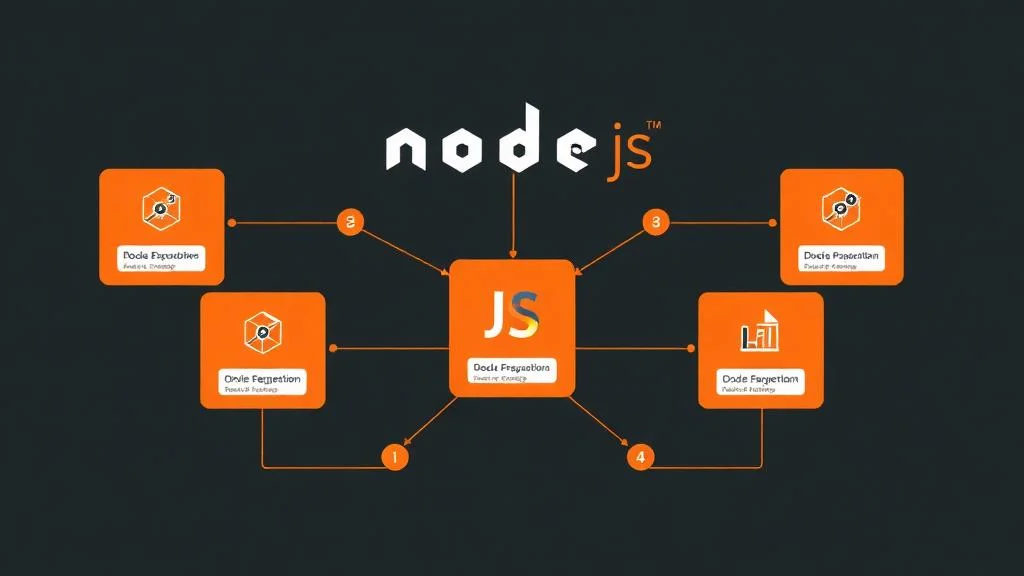
What Is Corepack in Node.js?
Corepack acts as a package manager version controller.
It does not replace package managers like npm, Yarn, or PNPM instead, it ensures you’re using the correct version required by your project.
Before Corepack, developers typically installed package managers globally:
This created problems:
- Different developers using different versions.
- CI pipelines behaving differently.
- Production builds failing unexpectedly.
- Dependency resolution inconsistencies.
Corepack solves these issues by allowing projects to define:
Now every environment uses the same version automatically.
Why Developers Use Corepack
From real-world experience, version inconsistencies are one of the most common causes of Node.js bugs especially in teams.
Real-world scenario:
In one production environment migration scenario, a team upgraded PNPM locally but forgot to update CI pipelines. The result was:
- Lockfile mismatches.
- Broken builds.
- Deployment delays.
After adopting Corepack, the entire workflow stabilized because version control moved into the repository itself.
Key benefits include:
- Identical installs across machines.
- Faster onboarding for new developers.
- Reliable CI/CD pipelines.
- Reduced debugging time.
- Cleaner system environments.
- Improved reproducibility.
Consistency is often more valuable than speed in professional software development.
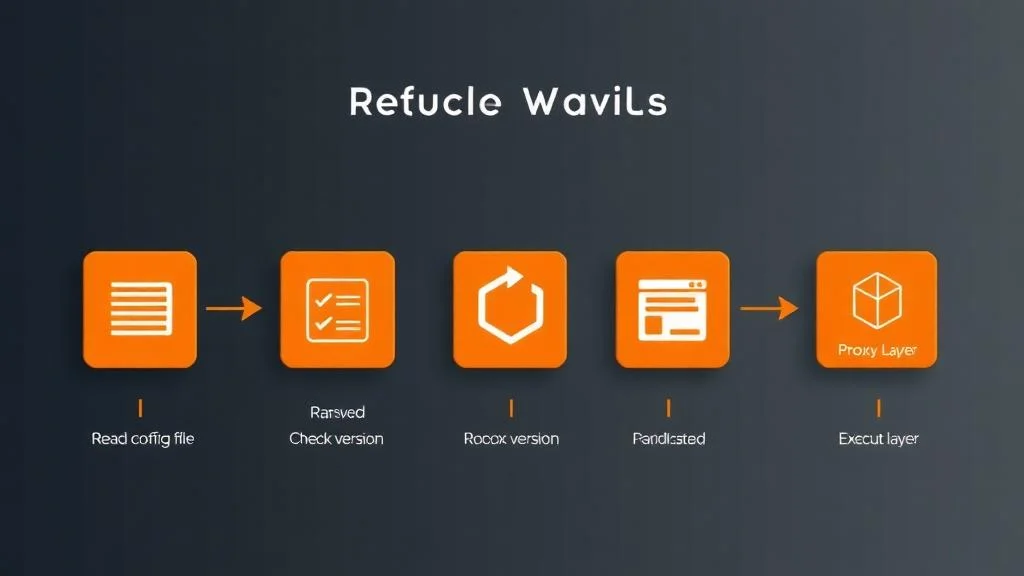
Key Features of Corepack
Automatic Package Manager Version Control
Corepack automatically installs and activates the required version when commands are executed. Developers no longer need to manually manage versions.
Multi-Manager Support
Corepack supports major package managers including: Yarn and PNPM. This allows teams to adopt different tools without changing workflows.
No Global Installation Required
Package managers are installed per project instead of globally. This prevents system pollution and conflicts between projects.
CI/CD and Environment Consistency
Because versions are stored inside the repository, builds remain identical across developer machines, CI pipelines, Docker containers, and production servers. This dramatically reduces deployment risks.
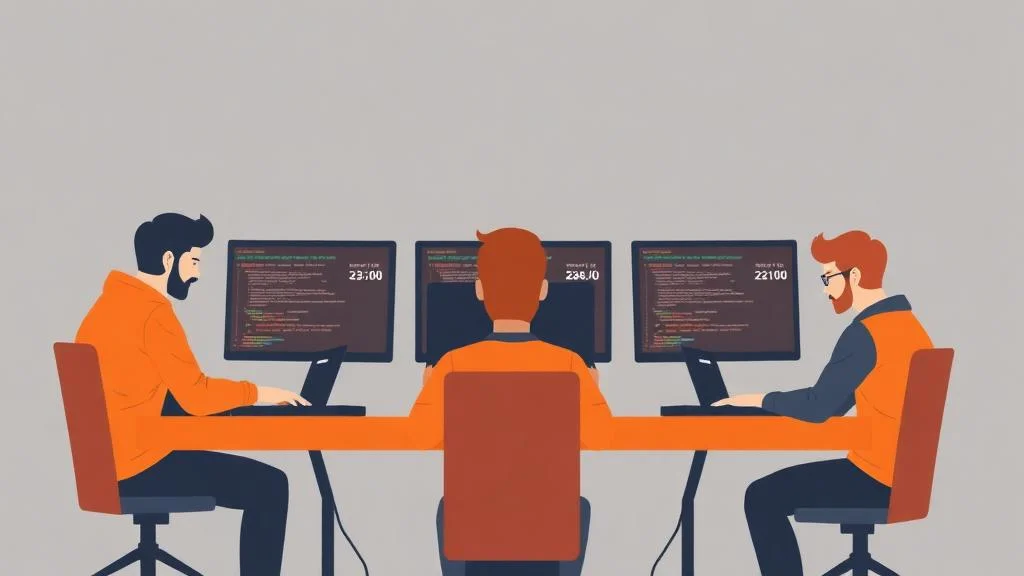
How Corepack Works Internally
Corepack functions as a proxy layer between Node.js and package managers.
When you run a command like:
Corepack performs several steps:
Reads package.json.
Checks required package manager version.
Downloads version if missing.
Executes command using correct version.
This architecture ensures reproducible installs without manual setup.
Real-World Example: Team Development Workflow
Imagine a team of five developers working on a monorepo using PNPM.
Without Corepack:
| Developer | PNPM Version |
|---|---|
| A | 7 |
| B | 8 |
| CI | 6 |
Result:
- Lockfile conflicts.
- Install errors.
- Build failures.
With Corepack:
Now:
- Every developer uses PNPM 8.15.0
- CI uses PNPM 8.15.0
- Docker uses PNPM 8.15.0
- No inconsistencies.
No inconsistencies.
How to Install and Enable Corepack
Most modern Node.js versions include Corepack, but it may need activation.
Enable Corepack
Verify Installation
If the version prints successfully, Corepack is ready.
How to Use Corepack with Yarn
Most modern Node.js versions include Corepack, but it may need activation.
Activate Yarn Version
You can also specify exact versions:
How to Use Corepack with PNPM
Activate PNPM Version
Corepack will automatically manage future executions.
Defining Package Manager Versions in package.json
The most powerful Corepack feature is version pinning.
Example:
Now every environment installs the same version automatically.
Version pinning eliminates most environment-related bugs.
Corepack in CI/CD Pipelines
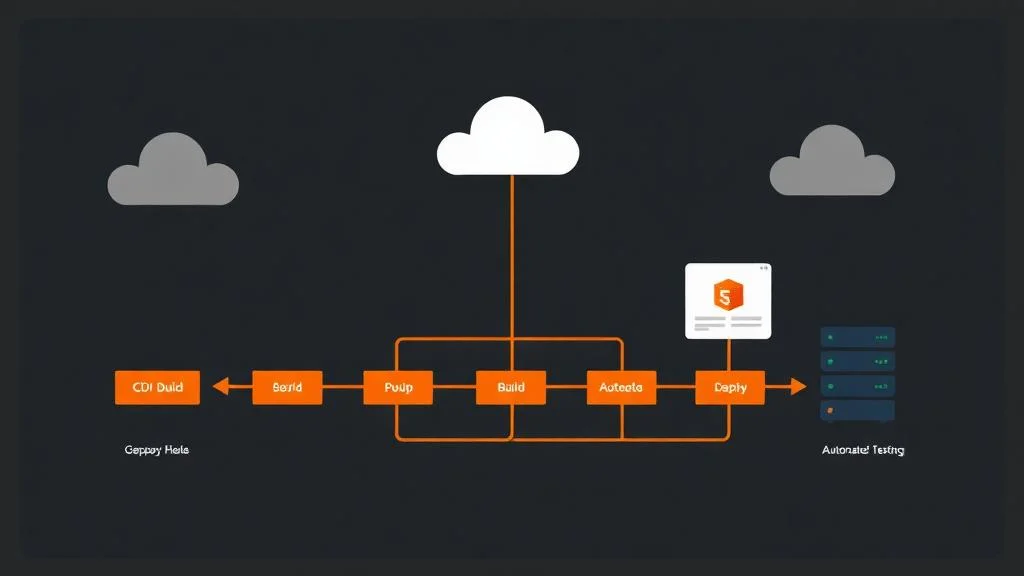
Corepack is especially valuable in automated environments where reproducibility is critical.
Example CI setup:
Because the version is defined in the repository, no additional configuration is needed.
Benefits include:
- Faster builds.
- Fewer failures.
- Predictable deployments.
Corepack in Docker Environments (Real Example)
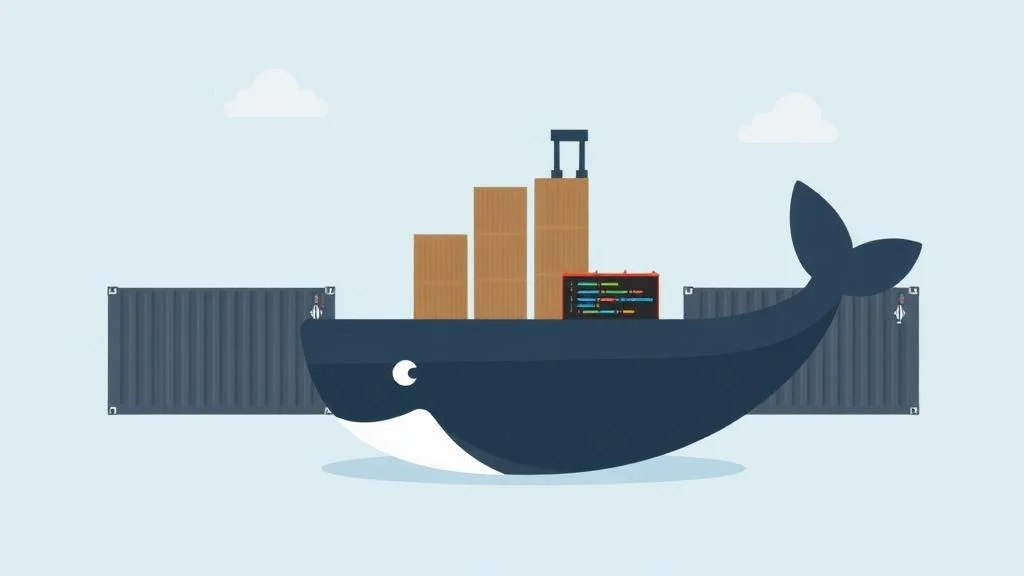
Docker builds often fail due to version mismatches.
Using Corepack:
This ensures identical installs across environments.
Performance Comparison: Corepack vs Global Install
Many developers assume Corepack is slower, but real-world testing shows minimal difference after initial download.
Scenario:
- Lockfile conflicts.
- Install errors.
- Build failures.
🔄 First run
Corepack downloads package manager → slightly slower
⚡ Subsequent runs
Same speed as global installs
Benefits outweigh the small initial cost.
Corepack vs npm vs Volta
Understanding differences helps developers choose the right tool.
Corepack vs npm
- npm is a package manager.
- Corepack manages package manager versions.
- They serve different purposes.
Corepack vs Volta
Volta manages:
- Node.js versions
- Package managers globally
Corepack manages package managers per project.
Both tools can be used together.

Security Benefits of Corepack
Modern software supply chains face security risks.
Version pinning improves security by:
- Preventing unexpected upgrades.
- Avoiding malicious package manager releases.
- Ensuring reproducible environments.
- Supporting auditability.
In enterprise environments, reproducibility is a major security requirement.
Common Corepack Errors and Fixes
Most modern Node.js versions include Corepack, but it may need activation.
Command Not Found
Solution:
Wrong Package Manager Version
Solution:
Permission Errors
Run terminal with administrator privileges or reinstall Node.js.
Lockfile Conflicts
Ensure the correct package manager version is pinned in package.json.
Common Developer Mistakes When Using Corepack
From real developer experience, common mistakes include:
- Not enabling Corepack after Node installation.
- Mixing global installs with Corepack.
- Forgetting to commit package.json changes.
- Not pinning versions.
- Using outdated Node versions.
Avoiding these mistakes improves stability significantly.
Best Practices for Using Corepack
To maximize reliability:
- Always pin package manager versions.
- Enable Corepack in CI environments.
- Keep Node.js updated.
- Avoid global installs.
- Commit lockfiles.
- Document setup instructions.
- Use frozen installs in CI.
These practices reduce environment bugs dramatically.
When You Should Not Use Corepack
- Small prototypes.
- Temporary experiments.
- Single-developer scripts without deployment.
However, for production systems or teams, Corepack provides major advantages.

Enterprise Use Cases
Large organizations benefit from Corepack because:
- Multiple teams share repositories.
- Strict reproducibility requirements exist.
- Security audits require deterministic builds.
- CI infrastructure must remain stable.
Many enterprise Node.js workflows now include Corepack by default.
Future of Corepack
The JavaScript ecosystem continues evolving toward reproducibility and reliability.
Corepack represents a shift toward:
- Tooling consistency.
- Environment determinism.
- Automated workflows.
As projects grow more complex, tools like Corepack become essential.
Frequently Asked Questions (FAQ's)
What is Corepack?
Corepack is a tool included with modern versions of Node.js that helps developers manage package manager versions automatically. Instead of installing tools like Yarn or pnpm globally on a system, Corepack ensures the exact version required by a project is downloaded and used whenever commands run. This creates consistent environments across developers, CI pipelines, and production systems.
Why is Corepack being removed?
Corepack is not actually being removed from Node.js in general usage. However, discussions sometimes appear because tooling ecosystems evolve, and some developers choose alternative tools (like Volta). In most cases, Corepack remains supported and bundled with Node.js versions, and it continues to be recommended for reproducible package manager workflows.
What is the difference between Yarn and Corepack?
Yarn and Corepack serve completely different purposes:
Yarn → A package manager used to install and manage project dependencies.
Corepack → A tool that manages which version of Yarn (or pnpm) should run for a project.
In simple terms, Corepack controls the tool, while Yarn performs the dependency installation.
What are the benefits of Corepack?
Corepack provides several important advantages:
- Consistent package manager versions across environments.
- No need for global installations.
- Faster onboarding for new developers.
- Fewer dependency conflicts and lockfile issues.
- More reliable CI/CD pipelines.
- Cleaner system environments.
For teams and production projects, these benefits can significantly reduce debugging time.
Does Corepack replace npm?
No. Corepack does not replace npm. npm is a package manager, while Corepack manages package managers like Yarn and pnpm. They solve different problems and can coexist in the same workflow.
Does Corepack work on Windows, macOS, and Linux?
Yes. Corepack is cross-platform and works on all major operating systems supported by Node.js, including Windows, macOS, and Linux.
Why is Corepack not recognized?
If your system shows “corepack command not found,” common causes include:
- Node.js version is outdated.
- Corepack is not enabled.
- PATH environment issues.
Most problems are fixed by updating Node.js and running corepack enable.
What is a core yarn?
Core yarn is a type of yarn where a central filament (core) is surrounded by outer fibers. The core provides strength, while the outer fibers improve texture, comfort, or appearance.
Is yarn bombing illegal?
Yarn bombing (decorating public spaces with knitted or crocheted yarn) is usually considered street art. Its legality depends on local laws. In some places it may be treated as vandalism if done without permission, while in others it is tolerated as public art.
What is the difference between spun and core-spun yarn?
The main difference is structure:
- Spun yarn → Made entirely from short fibers twisted together.
- Core-spun yarn → Contains a strong central filament wrapped with fibers.
Core-spun yarn is generally stronger and more elastic.
What is an example of a core spun yarn?
A common example is cotton wrapped around a polyester filament core, often used in stretch denim or sewing threads.